01 / 05
A ring around your cursor
Start dragging a file and press ⌥. A ring of formats for that file type appears around the cursor — move into a sector and let go.
Grab a file, press a key, drop it on a sector.
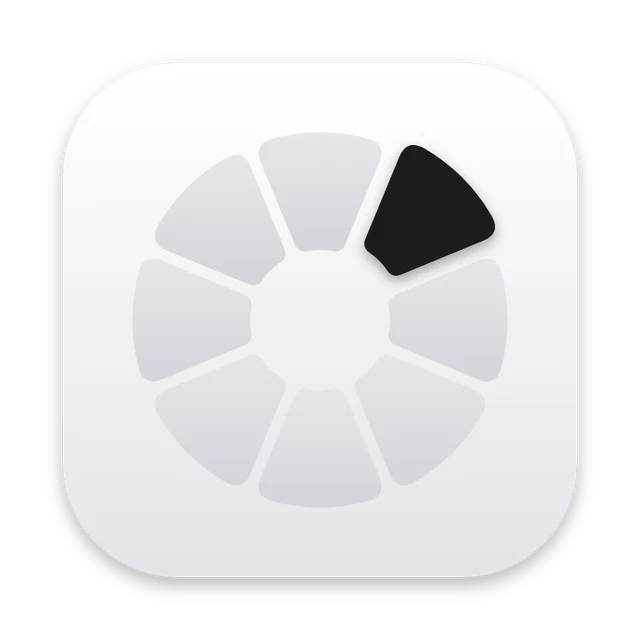 Item 01 · Morfus
Morfus opens a round menu right around your cursor while you drag a file. Convert, compress and tools for photos, video, audio, PDF, SVG, documents and archives — all local on your Mac, with the result saved next to the original.
Who it’s forDesigners, editors, social media teams — anyone who shuffles files between formats every day.
Start dragging a file and press ⌥. A ring of formats for that file type appears around the cursor — move into a sector and let go.
⌥ converts, ⌘ compresses (light / medium / strong, “no more than 25 MB”), ⌃ opens tools: remove background, recognise text, merge PDFs. Another key switches mode on the fly.
Quick jobs show progress and the outcome in the centre of the ring: “4.2 MB → 1.1 MB · −74%”. Long ones move to a small indicator in the corner.
Every mode and file type has its own set of sectors: add, remove, reorder by dragging. Favourites, a second ring with options, your own colour.
Finder services, ⌥⌘M for the selection, morfus:// links and a command line — the same actions for scripts and Shortcuts.
Download the zip, move Morfus.app to Applications and open it with right-click → Open.
Go through onboarding: file types and mode keys. For video and PDF, Morfus installs ffmpeg, Ghostscript and qpdf itself.
Drag any file, press ⌥, ⌘ or ⌃ and drop on a sector. The result lands next to the original.
No. Everything runs on your Mac: built-in libraries, Apple Vision and tools like ffmpeg.
Morfus checks for new versions and shows “Update Morfus” in its menu. The download is verified by SHA-256 and signature.
Right-click Morfus.app → Open → Open. Or System Settings → Privacy & Security → Open Anyway.
Yes: Help → Transfer settings saves everything into a single .morfus file.

Menu bar converter for macOS
Learn more Morfu ↗
Image compression and cropping for the web
Learn more Pachaq ↗
Auto captions for Reels, TikTok and Shorts
Learn more Sukhan ↗
Local background removal on Mac
Learn more radius ↗
Audio & video transcription in the browser
Learn more BLA-БЛА ↗
Search photos, icons and video everywhere at once
Learn more Picta ↗
A gamepad in any game on Mac
Learn more PadBridge ↗
Your Downloads, right next to the Dock
Learn more Moss Pocket ↗
Links in a window over the page
Learn more Peecube ↗
A video or photo instead of your webcam
Learn more ANY CAMERA ↗Message me on Telegram — I reply fast.