About Ehroz
E

Ehroz

designer & developer · ehroz.pro

Chip
Coffee M∞ Max
Memory
7 apps in the Dock
Startup disk
Ideas, 99% full
macOS
Astana, UTC+5
More Info…

Easter egg: the Konami code or double-click the logo launches a space shooter.

10 / Trackpad gestures
10№ 10

Pad+

Edges are sliders, corners are buttons, a five-finger tap is your clipboard history.

Status
Available
Platform
macOS
Version
1.1.0
Author
Updated
Pad+ Item 10 · Pad+
A / DescriptionWho it’s for

Pad+ adds trackpad gestures macOS doesn’t have. A finger along the right edge scrolls with inertia, along the other edges it changes volume with a haptic click, clicking the corners copies and pastes, and a five-finger tap opens the clipboard history. Any gesture can run an action, a shortcut or an app.

Who it’s forMac users who live on the trackpad and want more gestures without extra clutter.

B / What it does04 features

What it does

01 / 04

Edges are sliders, corners are buttons

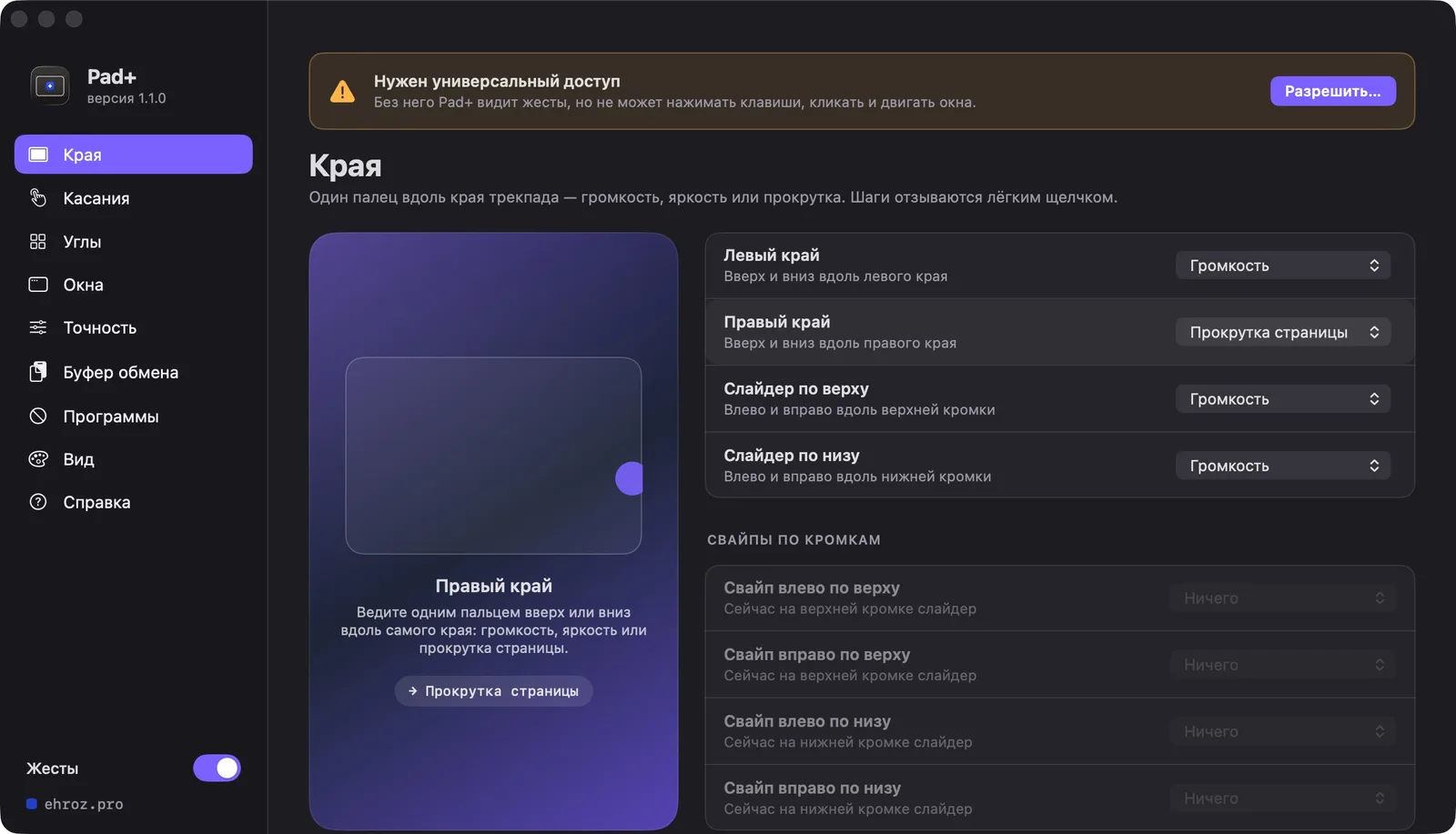
A finger along the right edge scrolls with inertia; along the left, top and bottom edges it sets volume with a click on every step. Click the top-right corner to copy, the bottom-right to paste. A five-finger tap opens the clipboard history: text, images, files.
Pad+ · demo 01 Interface demo
02 / 04

Every gesture, your way

Give a gesture a built-in action, your own shortcut or an app to launch. Tap length, corner and strip sizes, volume step and scroll speed are tuned on a live trackpad diagram that shows your fingers. In games and graphics editors Pad+ leaves the trackpad alone.

Pad+ · demo 02 Interface demo
03 / 04

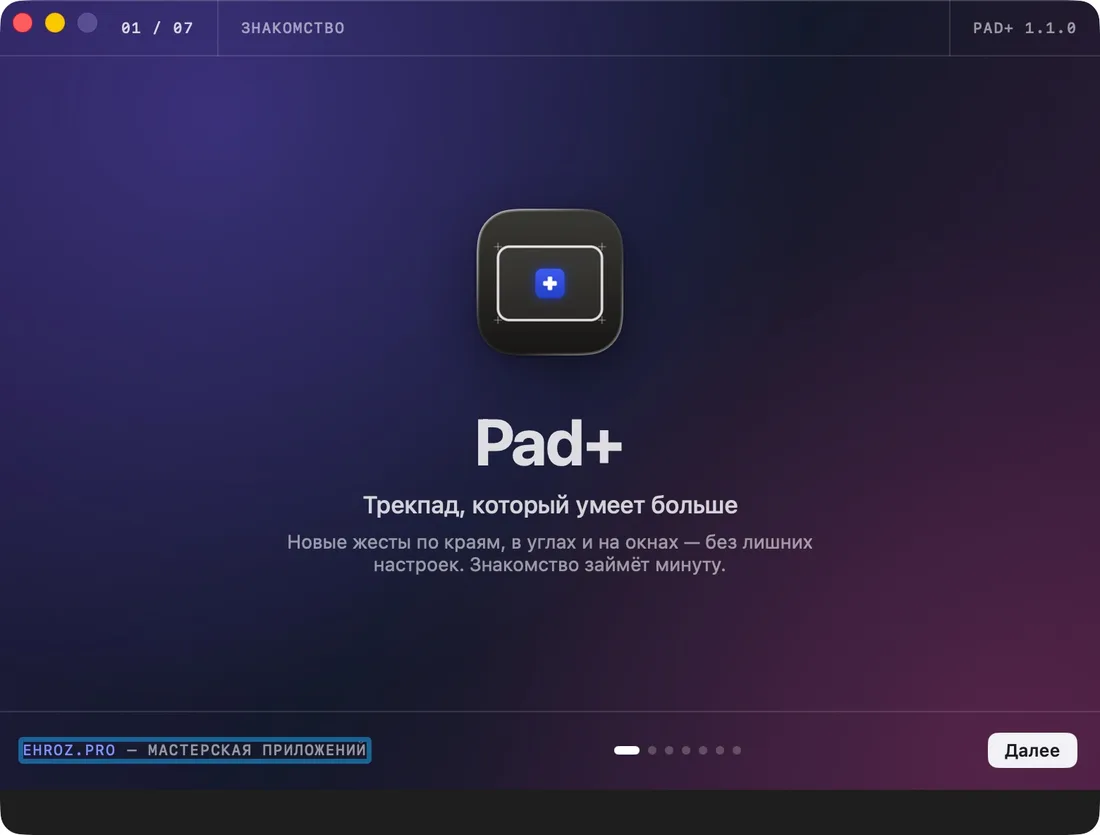
An intro from the first launch

A short intro walks through the gestures, and each one has an animation in settings: hover a row and the left side shows how to do it. Theme, highlight colour, three menu-bar icons and an on-screen hint of which gesture fired.

Pad+ · demo 03 Interface demo
04 / 04

Install and updates

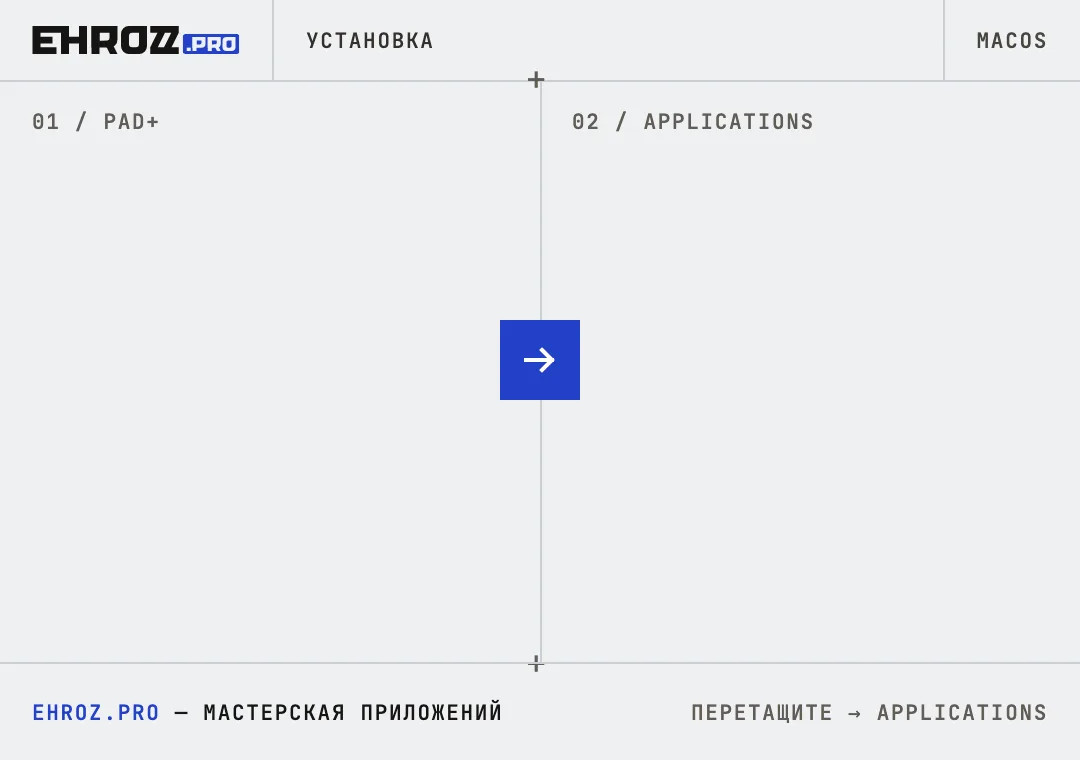
A disk image with an install window: drag Pad+ to Applications. After that it updates itself, checking the SHA-256 and signature every four hours. Settings are mirrored to a file and survive reinstalling; move to another Mac with Export / Import.

Pad+ · demo 04 Interface demo
C / How it works03 steps

How it works

  1. 01

    Download Pad+ and drag it to Applications.

  2. 02

    Allow Accessibility — without it Pad+ sees gestures but can’t press keys or move windows.

  3. 03

    Slide a finger along the right edge of the trackpad — the page scrolls.

D / FAQE / Requirements

FAQ

Why does it need Accessibility?

To press keys, click corners and move windows for you. Without it Pad+ sees the gestures but can’t act on them.

Which gestures are there?

Trackpad edges, corner clicks, three-, four- and five-finger taps, a double three-finger tap (drag lock), type-tap, edge swipes and window gestures: a two-finger swipe on a title bar snaps the window to half the screen.

What happens to my settings if I delete Pad+?

They live in ~/Library/Application Support/Ehroz/Pad+/settings.json and stay. After reinstalling, Pad+ restores everything.

F / Other apps13

Other apps

G / Contact@hhrrzz1

Need a website or a tool?

Message me on Telegram — I reply fast.

esc

↑↓ select · ↵ open · esc close